
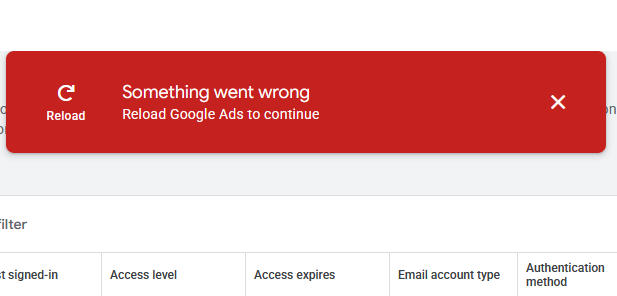
Around May 1, 2026, Google Local Services Ads began displaying an error on the “Account Access” tab. The error says “Something went wrong. Reload Google Ads to Continue”. When this error displays, admins are unable to manage user access. You can not remove or add new users.
This is what the error looks like:
Being unable to manage users in LSA is usually caused by domain restrictions or missing Administrator rights, however, this is not the cause in this case.
Workaround / Solved:
In LSA, the “Account Access” tab URL is: https://ads.google.com/localservices/accountaccess/. As of June 17, 2026, the date of this article, this URL has been broken for over 6 weeks, despite me informing Google representatives of the error.
The solution is to manage users in Google Ads. Use this URL to manage users: https://ads.google.com/aw/accountaccess/users/.
You’re welcome.
Google Local Services Ads is plagued with a wide variety of problems. We hope Google repairs some of them soon.
